


Digital Wilderness Medicine Handbook- English
Digital Wilderness Medicine Handbook- English
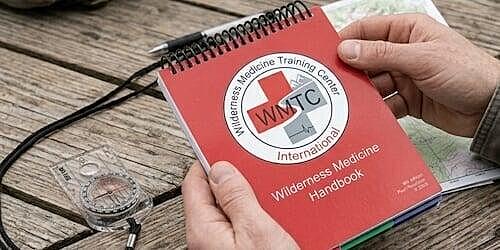
With our digital Wilderness Medicine Handbook ©2025 you'll always have a ready reference for any medical emergency at your fingertips...as long as you remember to charge your phone or tablet. Open in Adobe Reader app for best results. See directions below about how to download and save the handbook.
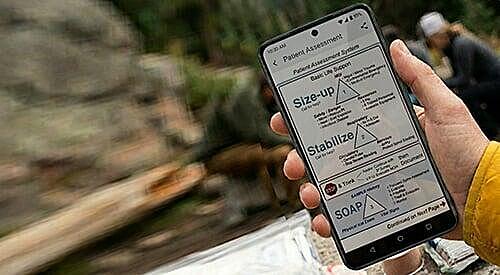
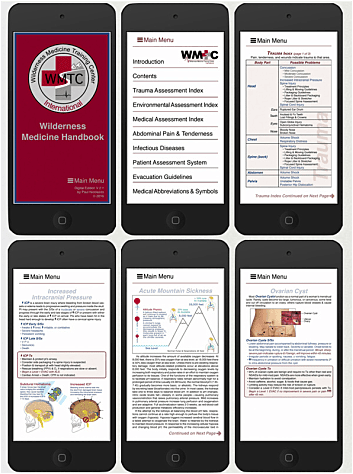
This is the digital version of our Wilderness Medicine Handbook specifically designed for both Apple and Android mobile devices. Navigation to key pages is fast and easy using the Main Menu, contents, indexes, and hyperlinks. The digital version contains more information, graphics, and photos than our print version without adding any additional weight and all updates are free for life.
If you choose to store and open the handbook on a tablet, you'll want to turn off the auto-rotate feature; you can navigate and easily read the text in the vertical page format.
If you are using a phone, leave the auto-rotate feature on for general navigation and turn it off for charts. Depending on your screen size you may want to turn your phone sideways to zoom in and read the text.
All the photos in the text have been saved at high resolution so you can zoom in and see the relevant details.
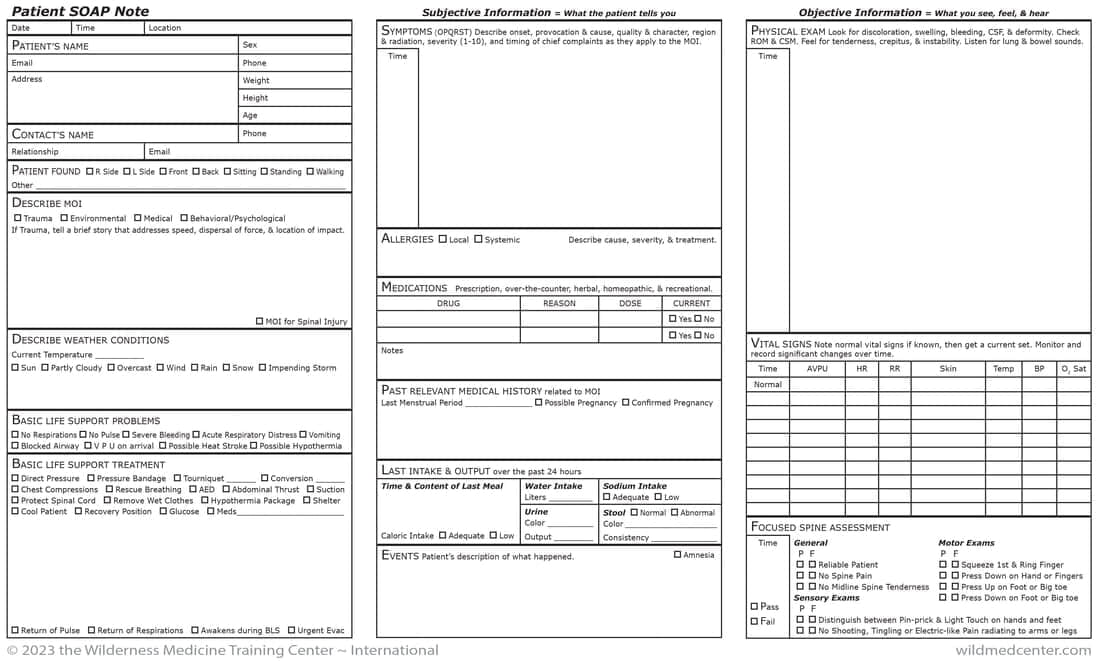
Consider purchasing our interactive Patient SOAP Notesto complement your new handbook and complete a Patient SOAP Note on your phone and email it to a physician, program director, Search & Rescue team leader, etc.
(Digital products must be purchased independently and cannot be added to your cart.)
How to Download & Open in Acrobat Reader
Your digital handbook is being sent to you as an interactive pdf file to the email address you provided when you ordered. The download will remain active for one week.
Your digital handbook is being sent to you as an interactive pdf file to the email address you provided when you ordered. The download will remain active for one week.
- Open on the mobile device where you want the file to appear.
- Tap on the Download button when prompted.
- When the file has finished downloading, it will appear on your screen. Tap "Open In" and choose Acrobat Reader (If you don't have Acrobat Reader, download it free from the App Store
- When open, tap the page once to access the Acrobat Reader controls; the tool bars will remain for a few seconds and close automatically if not in use; you can also tap the screen once to make them go away (be careful not to tap on a link or too close to either side. Tap the eye icon and select "Single Page" from the menu. Tap "Done."
- Once downloaded and saved, the page hyperlinks will work offline; you will need to be connected to the internet for website links to work.